Every account in one balance
Cash, bank, mobile banking (bKash, Nagad, Rocket), e-wallets, cards, savings and crypto. Income, expenses and transfers update your balances instantly.
CashBankMFSE-walletCryptoSavingsCard
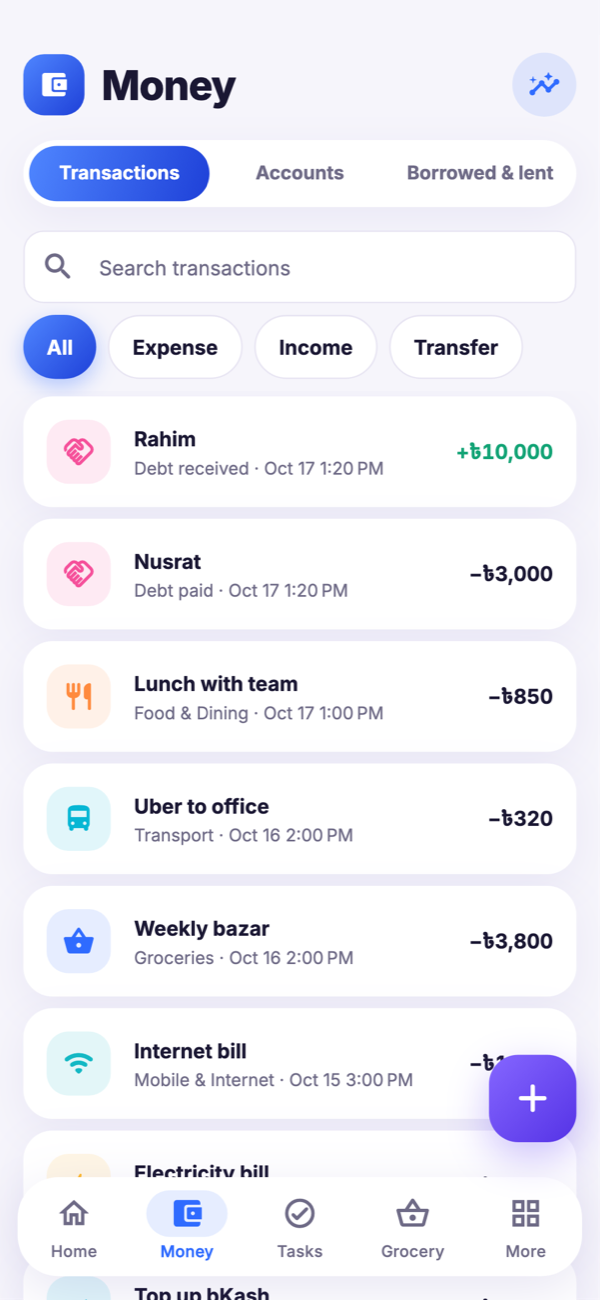
Talika keeps your accounts, spending, debts, bills, to-dos and grocery lists together, privately on your phone. Simple enough for every day, powerful enough to see where your money really goes.


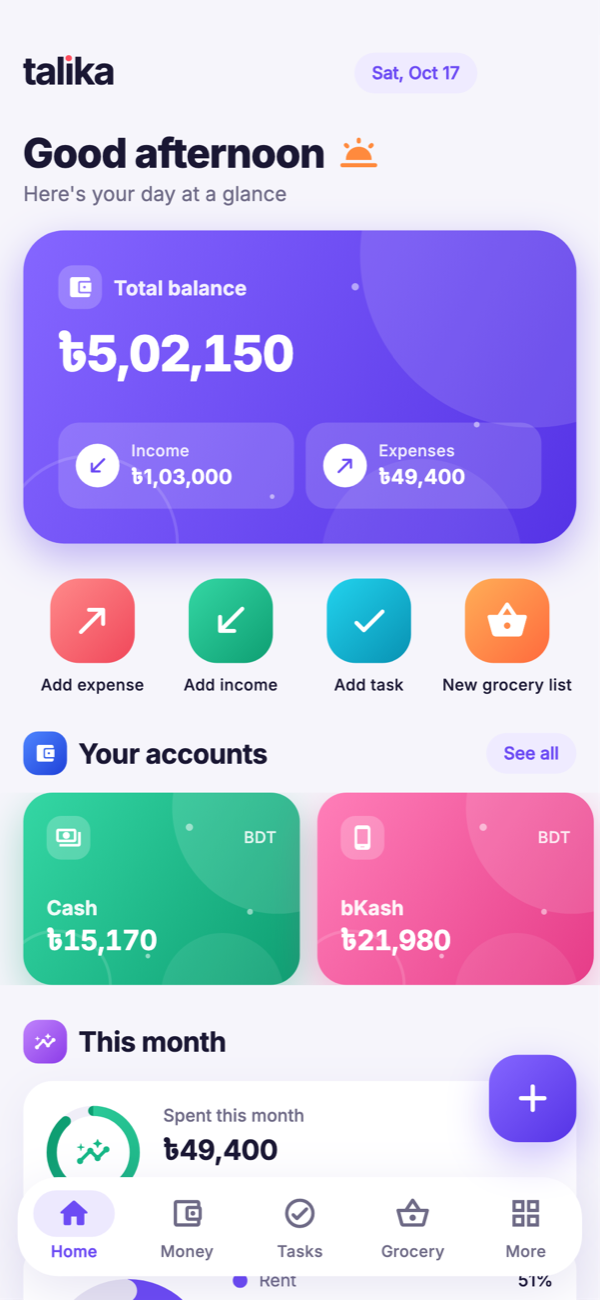
Stop juggling a notes app, a reminder app and a spreadsheet. Talika brings the everyday lists of your life together, and does the maths for you.
Cash, bank, mobile banking (bKash, Nagad, Rocket), e-wallets, cards, savings and crypto. Income, expenses and transfers update your balances instantly.
Every country’s currency with the right symbol and decimals, plus Bitcoin, Ethereum, USDT and more. Amounts are never converted behind your back.
To-dos with due times, priorities and repeats. Reminders ring at the exact minute you set, even offline.
Rent, tuition, internet, electricity. See what’s due, mark it paid from any account, never pay late.
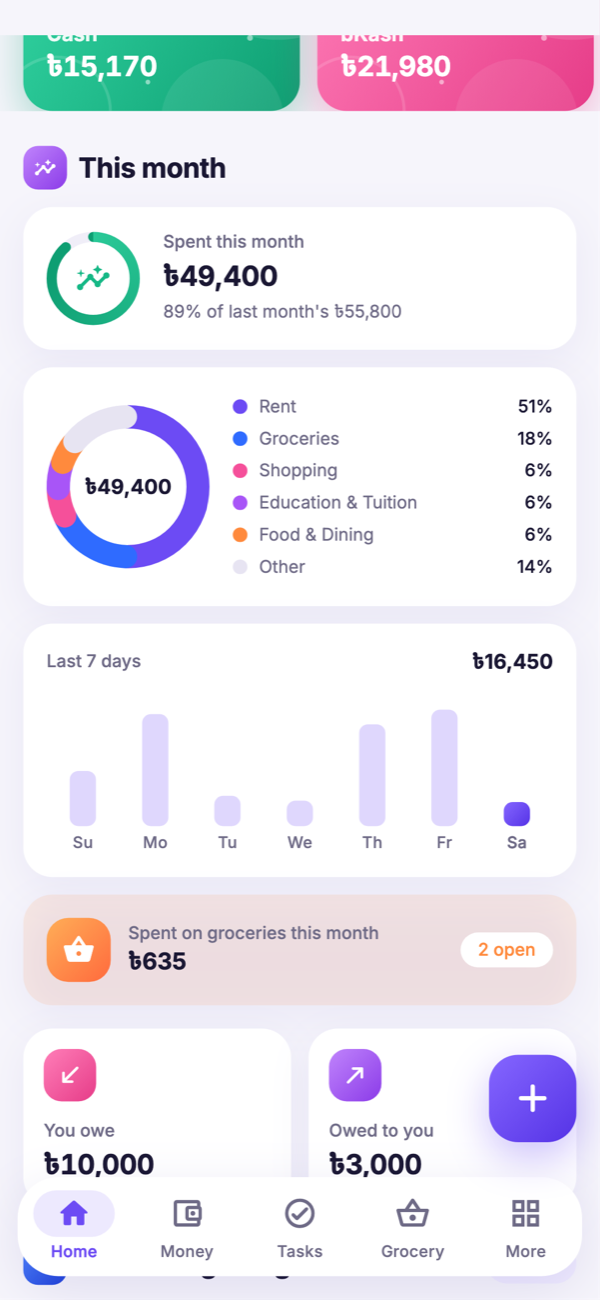
Monthly pulse, spending by category, 7-day trends, savings rate and budgets that warn before you overspend.
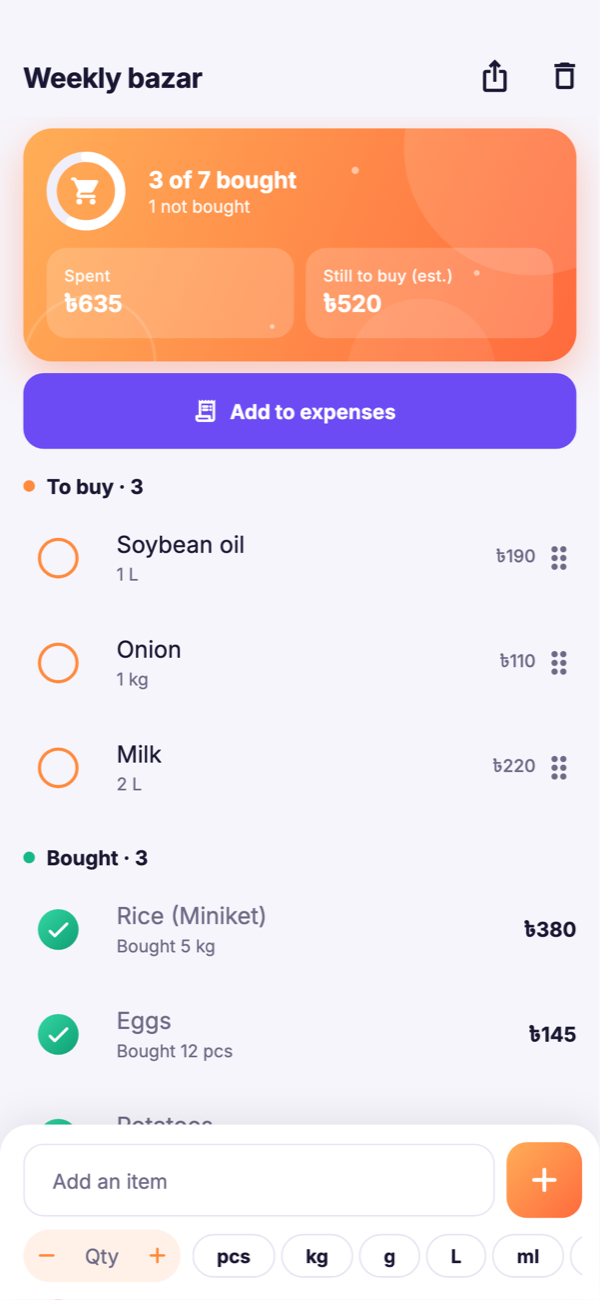
Add items with quantity and unit, mark them bought with the real quantity and price paid, or “not bought”. See the total spent, and add it to your expenses in one tap.
English, বাংলা, Español, Français, Deutsch, Nederlands, العربية and 中文, with full right-to-left support.
Export everything to a single file and save it wherever you like: Drive, email, a USB stick. Restore it on any phone in seconds.
A calm, colourful design in light and dark mode, with gentle motion and big, readable numbers.
Colourful, calm and quick. Every screen is built around one question: what do you need to know right now?
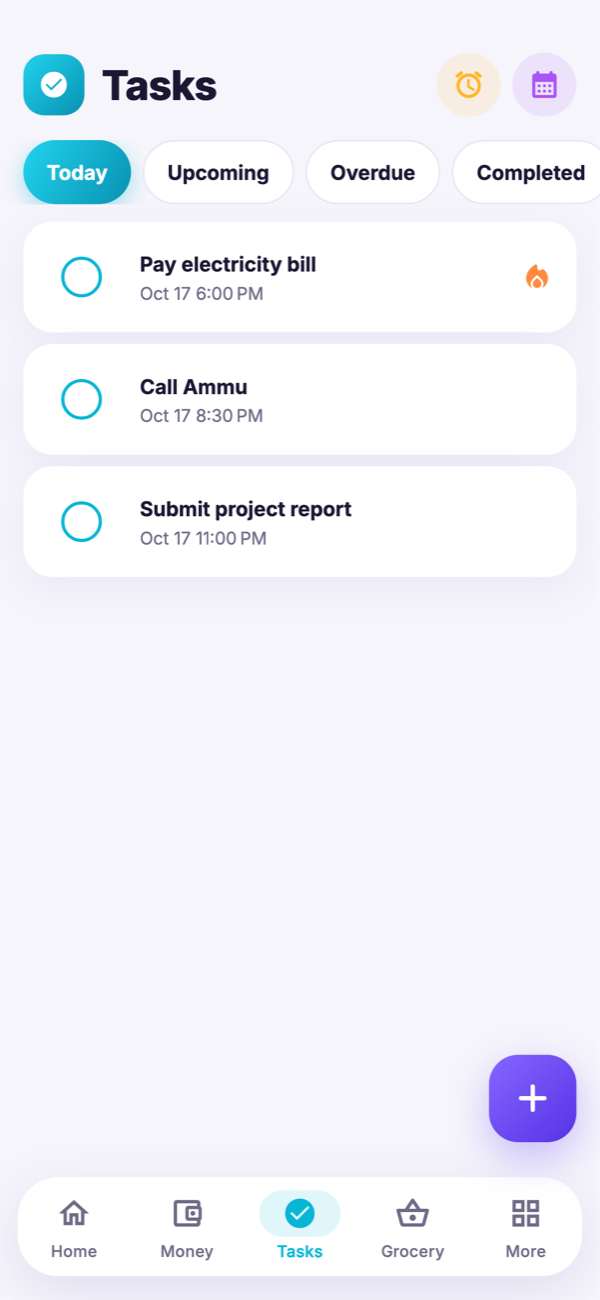
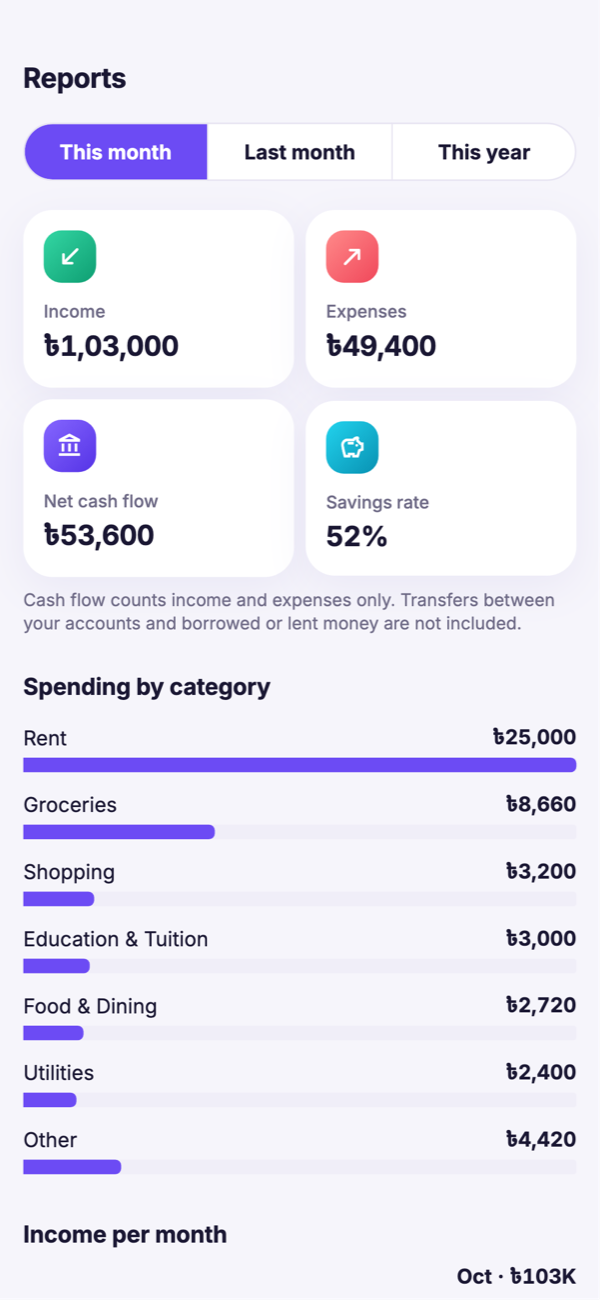
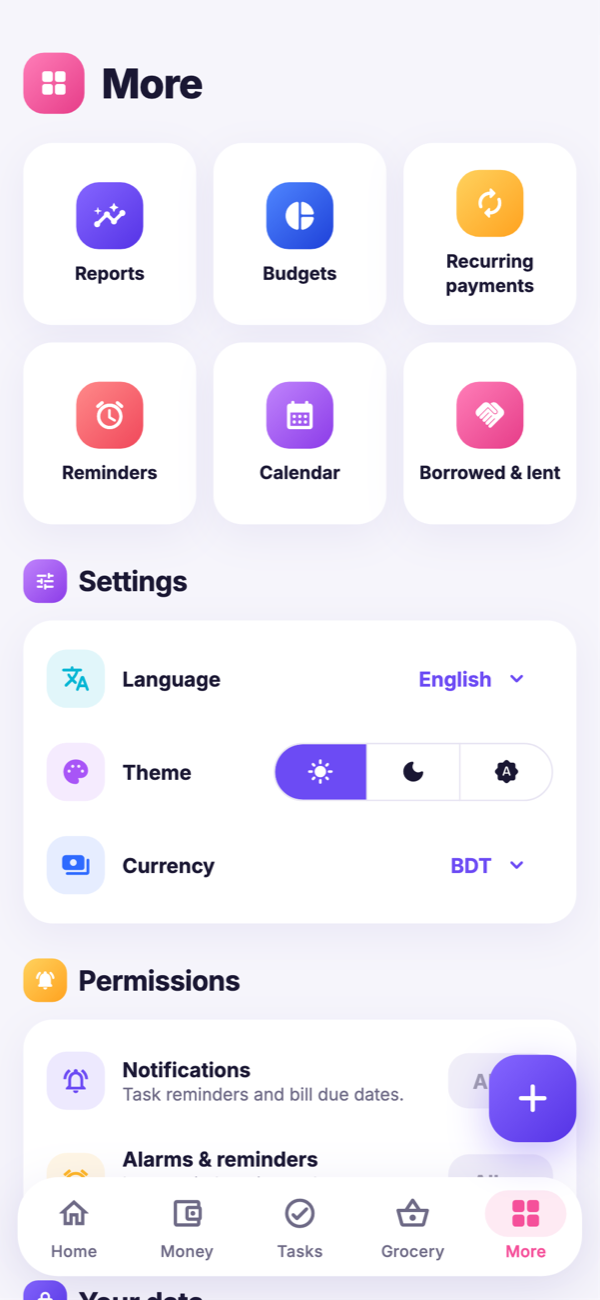
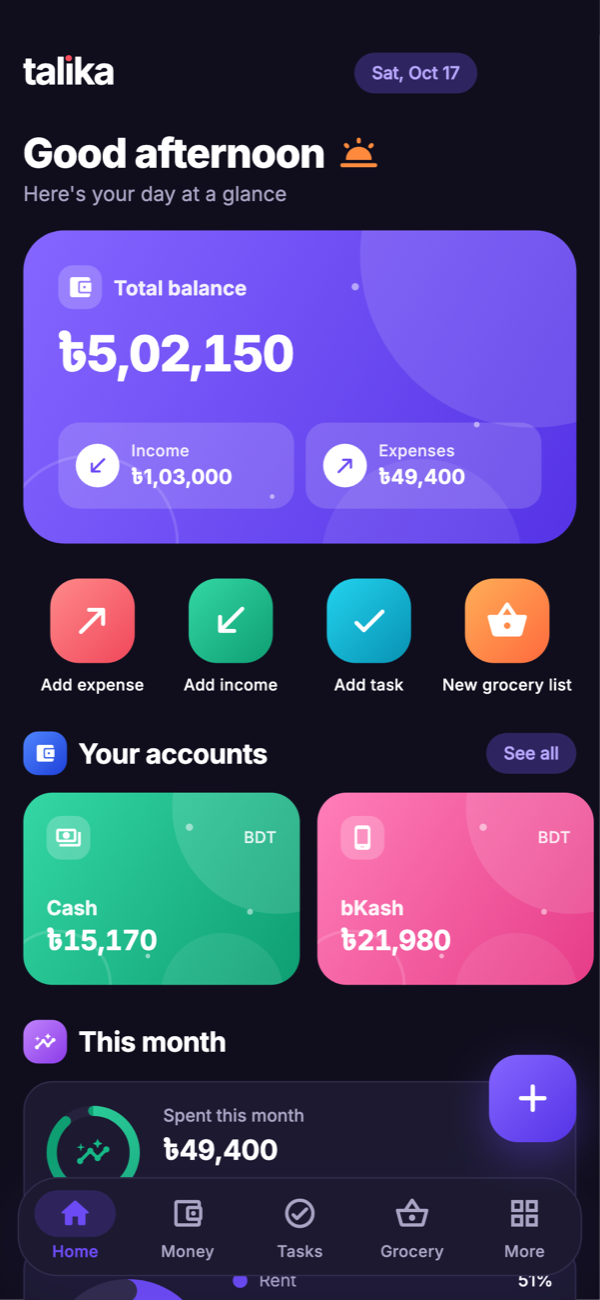
Talika has no servers to send your data to. It doesn’t ask for an account, doesn’t show ads and doesn’t track you. The Android app doesn’t even have permission to use the internet.
Yes. Talika is completely free, with no ads, no subscriptions and no paid tiers. If it helps you, you can support Softisia through the Support us button, but nothing in the app is locked.
No. There is no sign-up and no login. Talika works fully offline; the Android app does not even request internet permission.
Only on your phone, in the app’s private storage. Softisia never receives it. Use Export backup to keep a copy somewhere safe, because uninstalling the app or losing the phone deletes the data on it.
Yes. Add a Mobile banking (MFS) account and name it bKash, Nagad, Rocket or anything else. You can also add e-wallet and crypto accounts in USDT, BTC, ETH and more.
More than 150 world currencies plus major cryptocurrencies, and 8 languages: English, Bangla, Spanish, French, German, Dutch, Arabic and Chinese.
Open More → Your data → Export backup on the old phone and save the file. On the new phone, install Talika and choose Restore from backup.
The iOS version is coming soon to the App Store. Talika is available on Google Play today.
Free forever. No ads. No account. Takes ten seconds to set up.